undressme
Settings
Language
ThemeAtelier
Privacy policyTerms of serviceRefund policy
undressme
  • Home
  • AI Undress
  • Face swap
  • Clothes off still
  • Undress clip

More tools

  • For You
  • AI Tools
  • Generate
  • AgentBeta
  • Explore
  • Video Edit
  • Video Extend+5s
Upgrade for more
    • Home
    • AI Undress
    • Create
    • Pricing
    • More

    undressme

    Face Swap on Adult Stills – undressme ai

    Swap adult faces on stills you have rights to. Use our existing image-to-image workbench with Wan 2.7 Image.

    Swap Face Now
    Nano Banana ProNano Banana ProFlux 2Flux 2Qwen Image 2Qwen Image 2Seedream 5 ProSeedream 5 ProGPT Image 2.0GPT Image 2.0
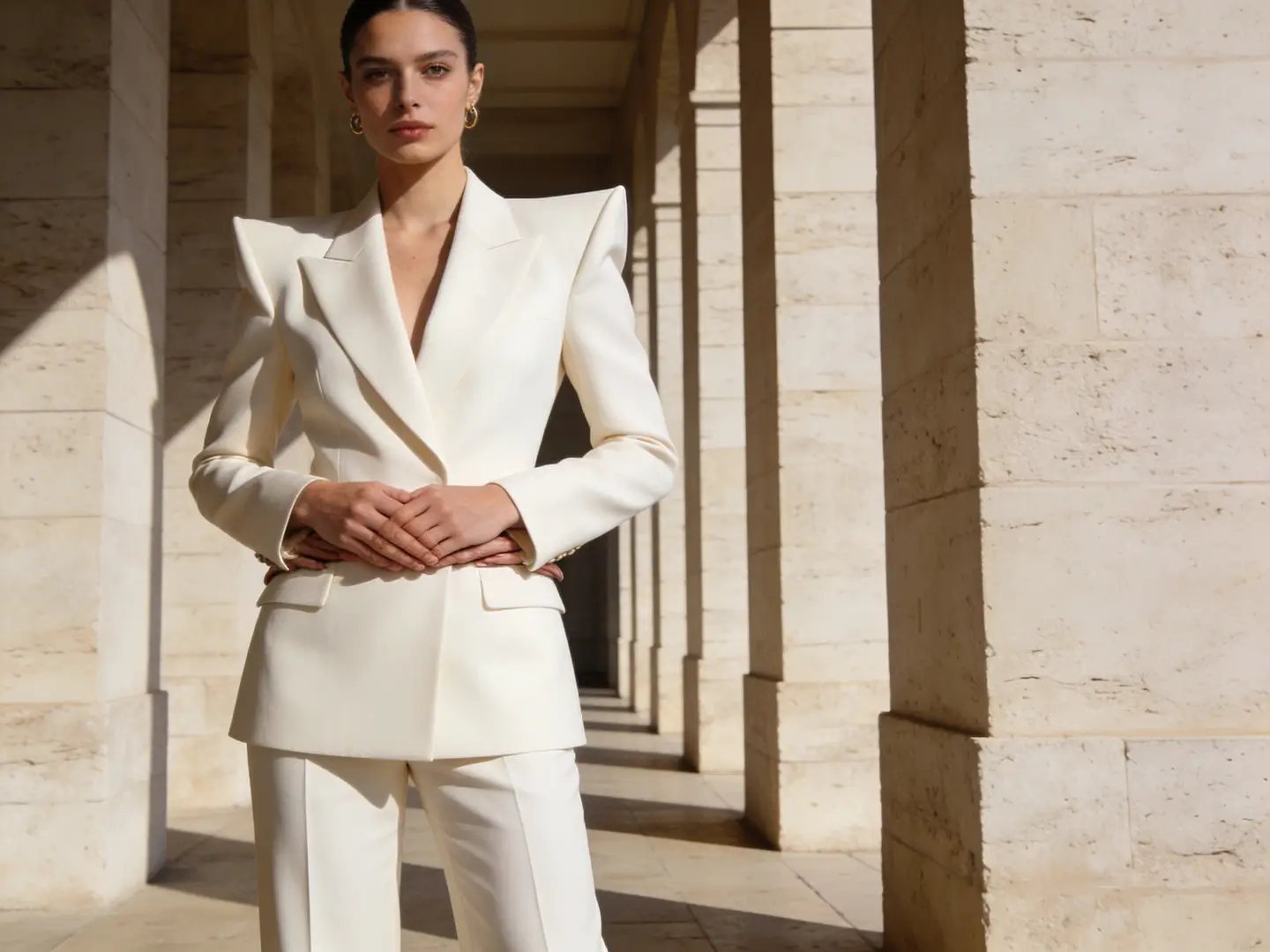
    Adult woman in a structured white suit presented in an editorial fashion frame
    Adult fashion directionA compact editorial reference makes it easy to test styling, colorway, and crop while keeping the subject grounded.
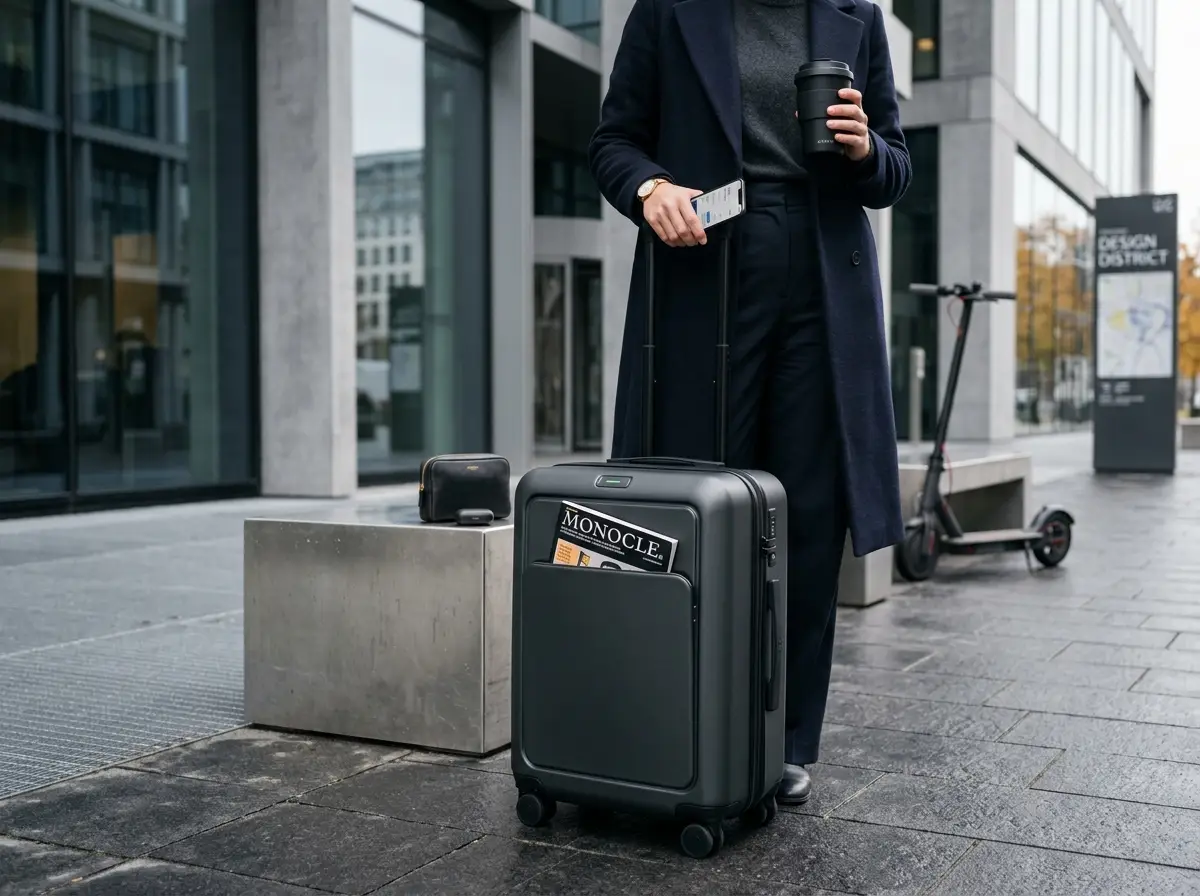
    Premium product study arranged on a clean neutral surface with controlled studio light
    Premium product refreshA clean product reference is useful for testing a new surface, colorway, or campaign backdrop without losing the object silhouette.
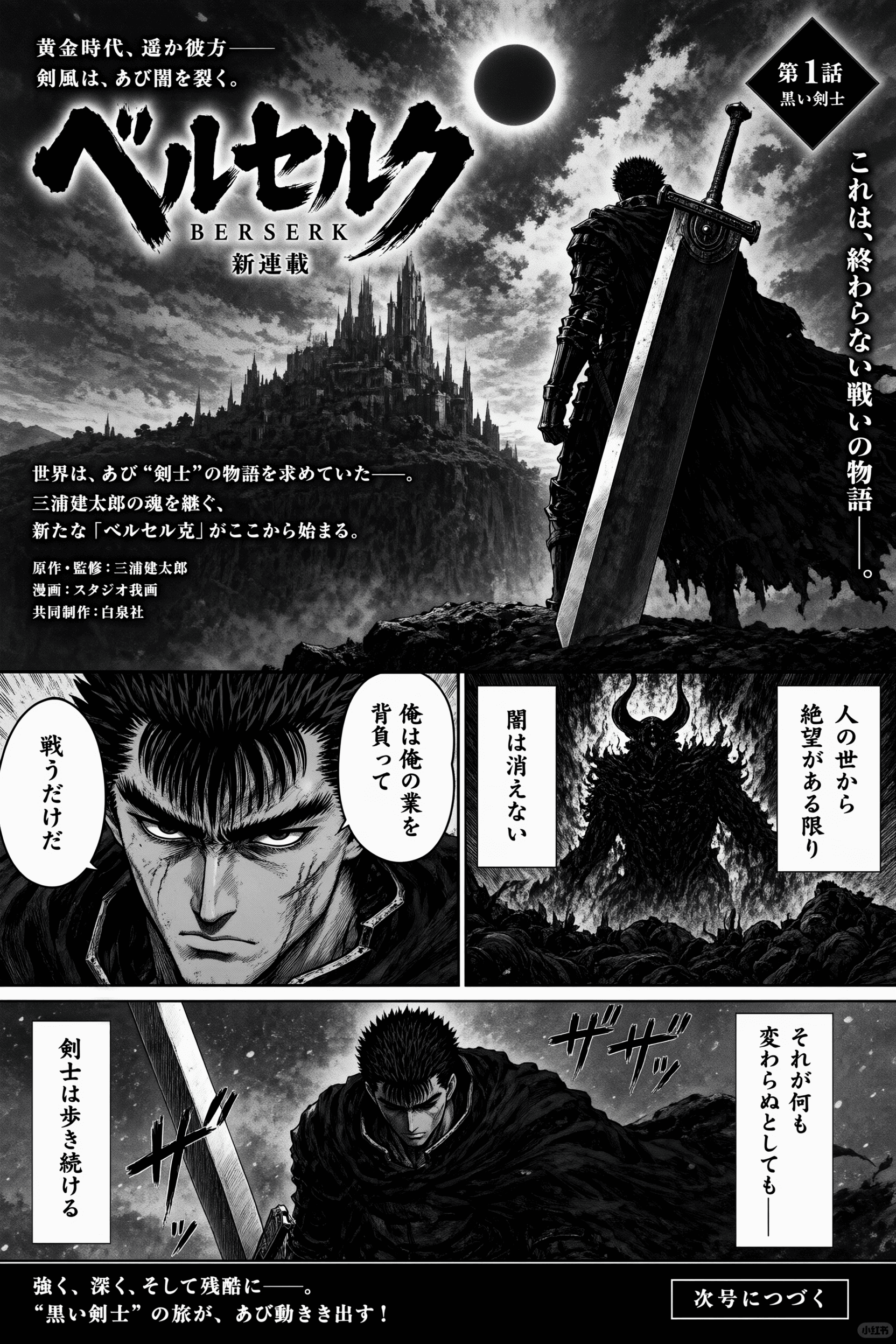
    Black-and-white illustrated manga page with a sword-bearing adult hero and dramatic panels
    Manga panel variationA clearly illustrated reference shows how image-to-image can preserve composition while changing tone, palette, or world-building details.

    Face Swap Models

    Choose your engine for face swap editing.

    01

    Wan 2.7 Image

    Wan 2.7 Image is the default model for adult face swap stills. Credit cost is shown before each generate.

    02

    Wan 2.7 Image Pro

    Higher option for more detailed face swap results. Same credit system.

    03

    Custom Reference Lock

    Upload up to 9 reference images to guide the face swap. Adults only.

    Face Swap Features

    Key capabilities for editing adult stills.
    Workbench interface showing upload area
    Start from still upload

    01

    Image-to-Image Workbench

    Existing platform. No separate face-swap pipeline. Describe which adult face on which still.

    Swap Face Now
    Credit cost display
    Transparent pricing

    02

    Credit Cost Before Generate

    Always see the cost before running any face swap. No surprises.

    Swap Face Now
    Multiple upload slots
    Reference images

    03

    Up to 9 Reference Uploads

    Provide multiple face references for accurate swaps. All uploads must be adult content you own.

    Swap Face Now

    Face Swap Scenarios

    Common use cases for adult still editing.

    Face swap scenarios
    Series of stills with same face

    Character Consistency

    Character Consistency

    Keep the same adult face across a series of stills. Upload reference once.

    Consistent character
    Before and after face swap

    Creative Recasting

    Creative Recasting

    Place a fictional adult character face onto a different still. Describe the swap.

    Recast scene
    Artistic face swap example

    Artistic Exploration

    Artistic Exploration

    Experiment with adult face swaps for personal projects. Rights required for all source files.

    Creative edit

    Face Swap Gallery

    Examples of face swap edits on adult stills.

    All stills shown are illustrative and not real individuals.
    Face swap example one

    Face Swap Result A

    Adult face swapped onto a still. Wan 2.7 Image Pro used.

    Example A
    Face swap example two

    Face Swap Result B

    Multiple references used for accurate placement.

    Example B
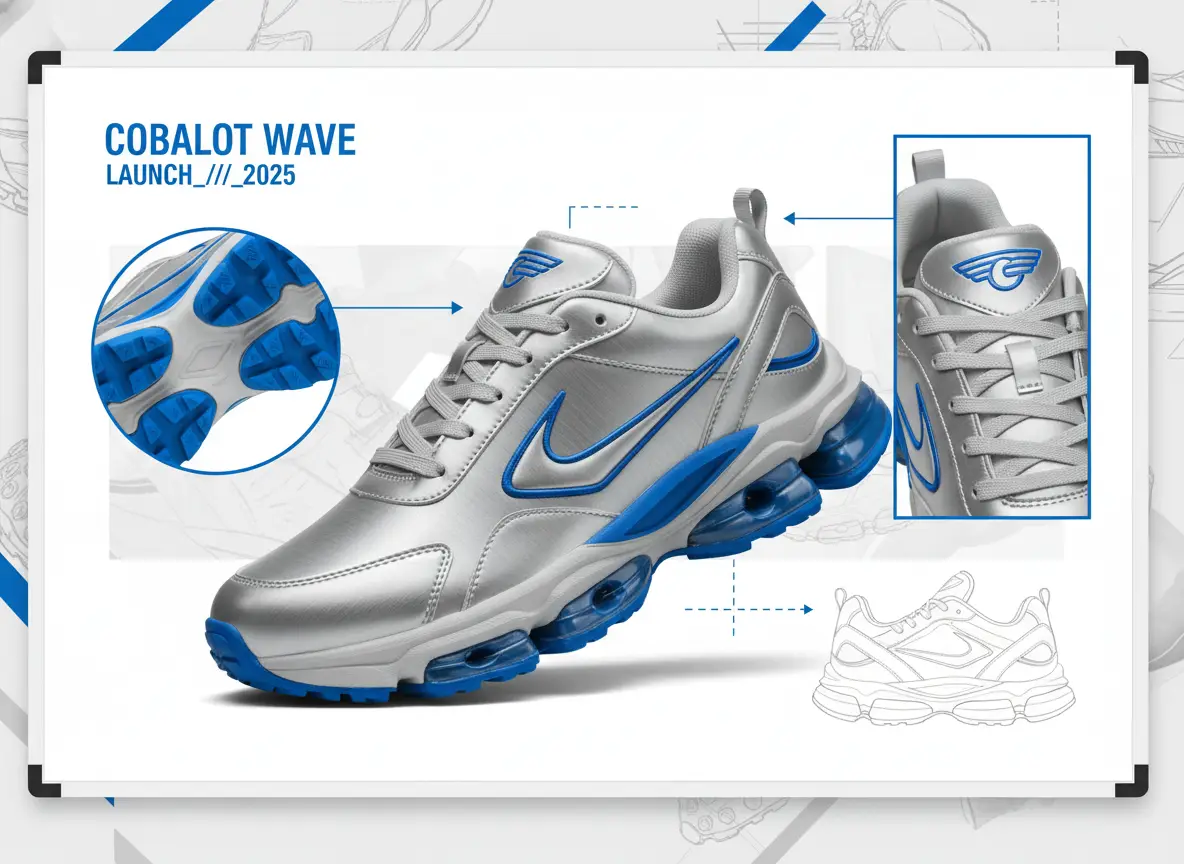
    Face swap example three

    Face Swap Result C

    Character face consistency across different stills.

    Example C

    Related Face Swap Tools

    Other editing options on undressme ai.

    Undress tool link

    AI Undress Page

    Edit adult stills with image-to-image. Same Wan 2.7 Image lock.

    AI Undress→
    Image-to-image link

    Image-to-Image Page

    General image-to-image editing for adult content.

    Image-to-Image→
    Still-to-clip link

    Still-to-Clip Page

    Generate short clips from adult stills.

    Still-to-Clip→

    Face Swap Tips

    Get the best results with these guidelines.

    01

    Clear Descriptions

    Describe which adult face should appear on which still for accurate results.

    02

    Reference Quality

    Use high-quality reference images for better face swaps.

    03

    Iterate

    Run multiple swaps with different references to refine the output.

    Important

    Key Notes

    Follow these rules for safe editing.

    Rights Required

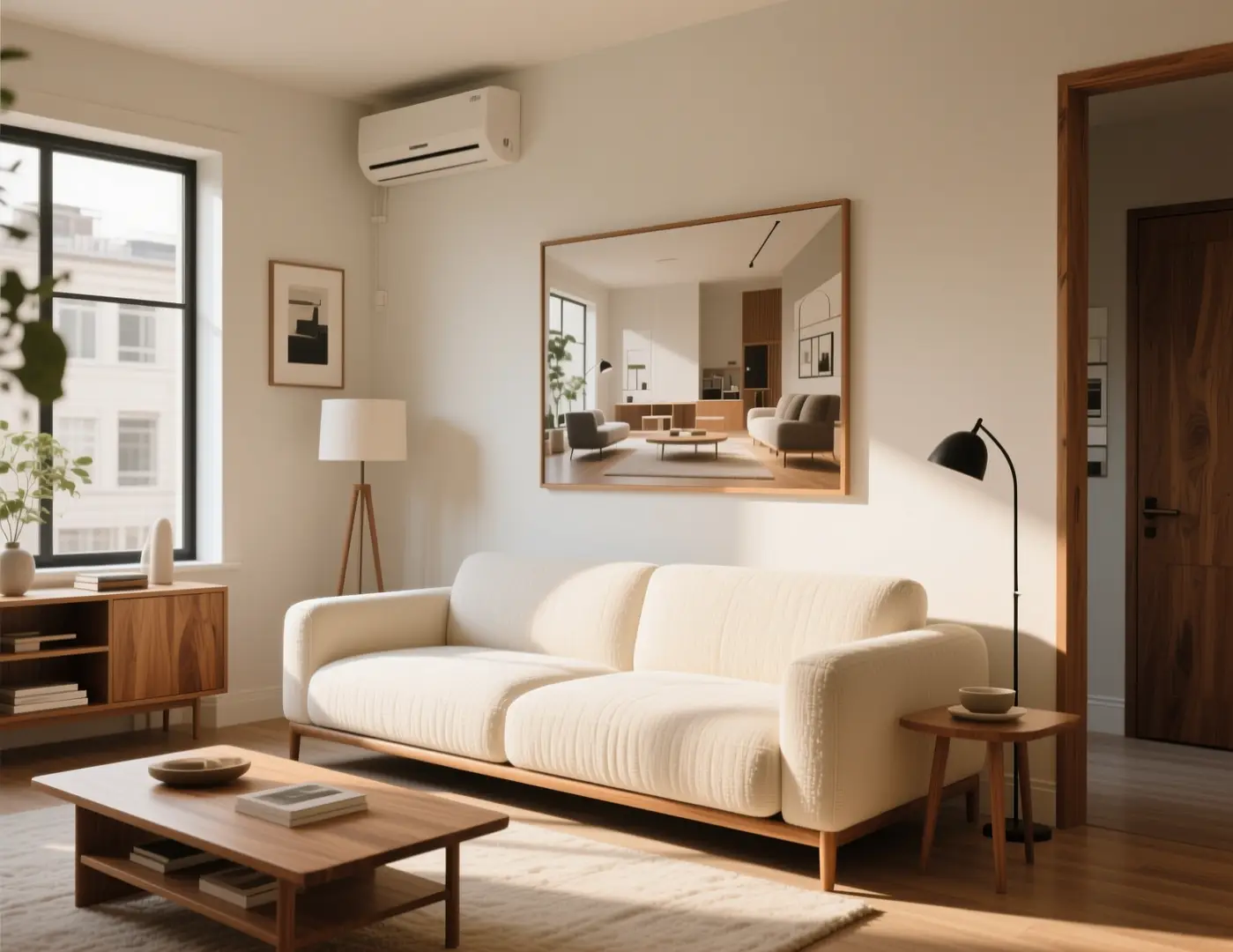
    Interior workflow

    Only upload adult stills you have permission to use.

    Adults Only

    Product workflow

    All content must be adult. Non-consensual real-identity requests refused.

    Credit Check

    Illustration workflow

    Always review the credit cost before generating.

    Face Swap FAQ

    Common questions about face swap on undressme ai.

    General

    General: This tool swaps faces on adult stills using image-to-image. You must have rights to the photo and consent for any real person shown.

    What is face swap on this site?

    +−

    It uses the existing image-to-image workbench to place an adult face on a still.

    Do I need a separate model?

    +−

    No. The same Wan 2.7 Image models are used.

    Usage

    Usage: Upload up to 9 reference images. The Wan 2.7 Image model applies face swap to your adult still. Non-consensual real-person swaps are refused.

    How many references can I upload?

    +−

    Up to 9 reference images for each face swap job.

    Can I swap a real person's face?

    +−

    Only if you have rights. Non-consensual or unauthorized requests are refused.

    Cost

    Cost: Every edit uses credits. The credit cost is displayed before you generate. There is no free option.

    When do I see the cost?

    +−

    The credit cost is shown before you generate.

    Is there a free option?

    +−

    No. All edits require credits.

    Face Swap Tutorial

    Step-by-step for face swapping on adult stills.

    Step 1: Upload Still

    Choose an adult still you have rights to edit.

    Step 2: Add References

    Upload up to 9 face references. Describe the swap.

    Step 3: Generate

    Review credit cost, then generate the face-swapped still.
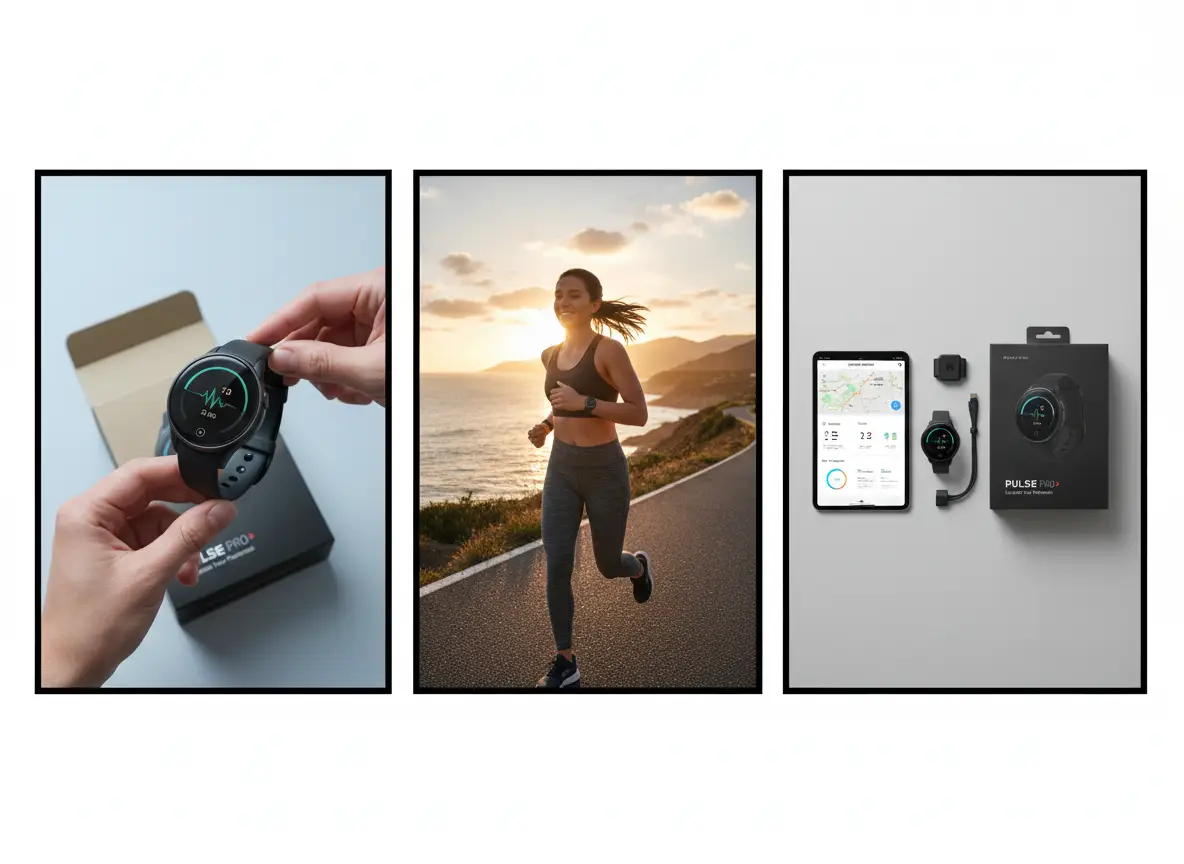
    Tutorial video placeholder
    Watch the tutorial

    Next Step After Face Swap

    Continue your editing workflow.

    Refine Edit

    Use image-to-image for further adjustments.

    Create Clip

    Turn the still into a short clip.

    Check Pricing

    Review credit packages for more jobs.
    Next step options

    undressme

    Swap Face Now

    Continue your editing workflow.

    Swap Face NowView pricing

    Model & settings

    Aspect Ratio

    Resolution

    Repeat

    1

    Concurrency

    1

    Limited by your plan, max 10 at once.

    8 credits

    Upload reference

    0/9

    Prompt

    Describe the image you want to generate
    0/5000
    Credit cost

    Generate 1 images · 8 credits total

    No inspiration in this category yet